MAXIMUM ALARM · HELP
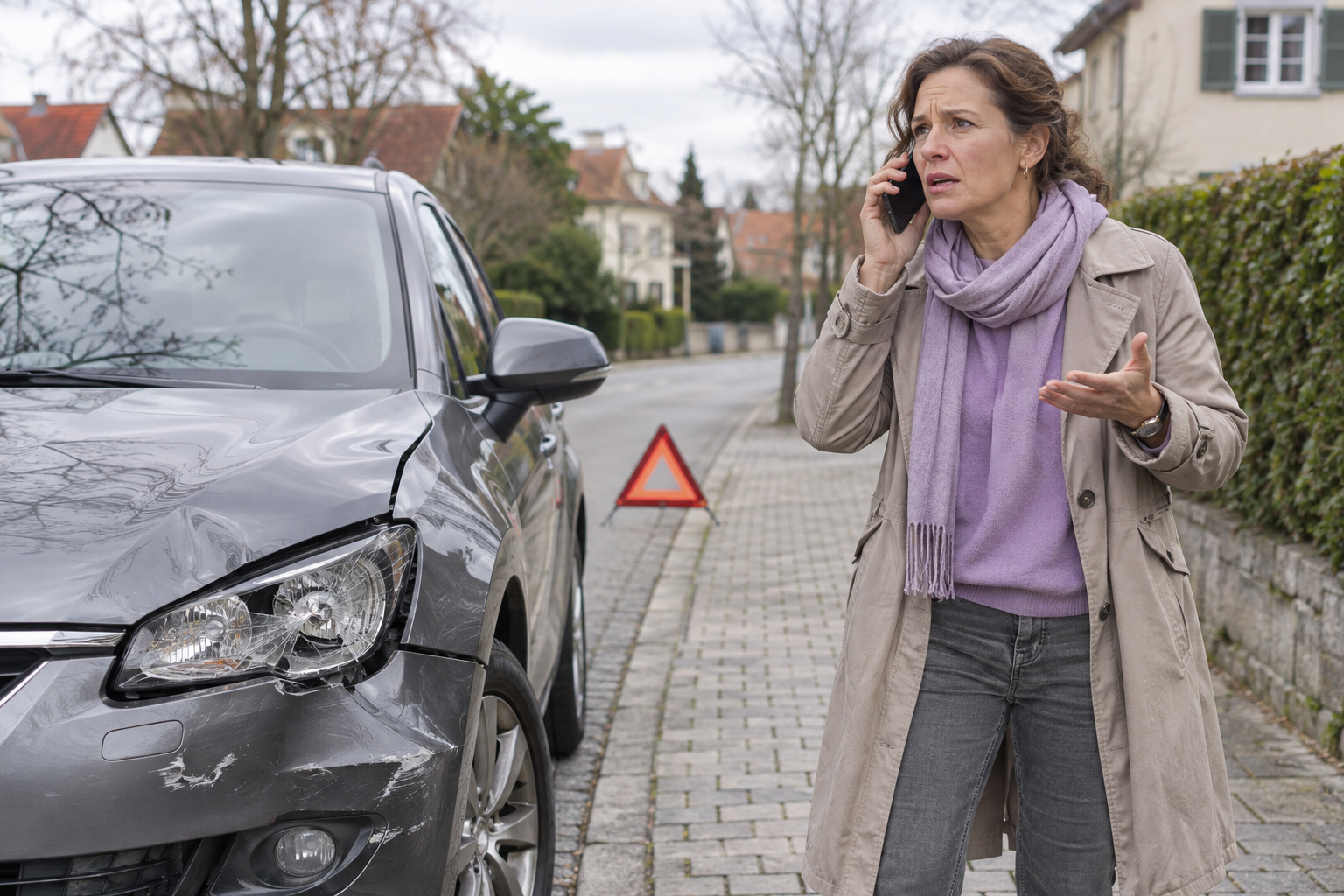
“I’m in immediate danger.”
Send an urgent alert to all your Helpers, including anyone excluded from everyday sharing, with your available location through the configured channels.
THE APP · AVAILABLE NOW
Help Me Now is the personal safety app for sending an SOS, sharing your location and keeping the people who can help informed.
Start with your phone. Wearables are optional.
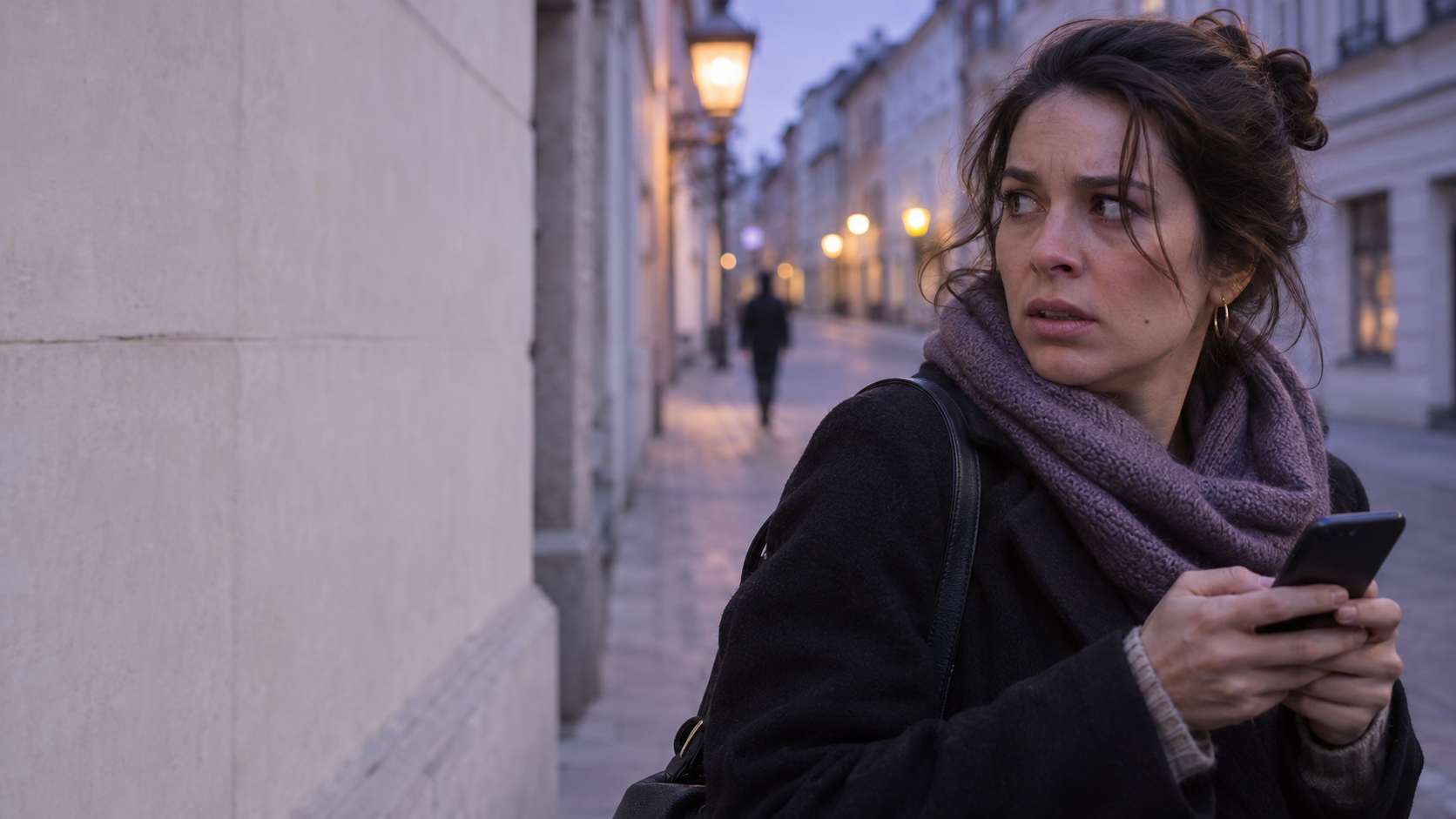
Born to stand against gender-based violence.
Built for anyone who needs help.
A threat. An incident. A moment of uncertainty.
The starting point is the same: a way to ask for support.
01 / WHAT THE APP DOES
The Foundation is the free-of-charge version of Help Me Now. All the app functions below are included. You do not need to buy a device. Caregiver brings them together for family support ↓
THE FOUNDATION · ALL INCLUDED
Completely free of charge.
Forever. For everyone.
Two alarm levels: urgent danger or a situation that could become unsafe.
Share your available GPS position and see updates from the people you support.
Set a countdown. If you do not check back in, configured Helpers can be notified.
A regular check-in to say you are okay, with follow-up if a confirmation is missed.
Explain what is happening with messages, images, video, voice, files and location.
Configured SOS alerts can reach them by SMS and email, without installing the app.
Review your actions and the updates shared with you by connected Helpers.
Start a telephone call and speak directly to the emergency operator yourself.
MAXIMUM ALARM · HELP
Send an urgent alert to all your Helpers, including anyone excluded from everyday sharing, with your available location through the configured channels.
MINIMUM ALARM · NOTIFY HELPERS
Warn your configured Helpers that you may need support. They can contact you, understand the situation and be ready to follow up.
Choose your alert channels when setting up your Helpers.
AN IMPORTANT DIFFERENCE
Your SOS can reach them by SMS and email.
A Helper is someone you choose to support you. Add their mobile number and email address, enable the relevant alert options and follow any confirmation steps required by your phone.
They can receive the SOS and available location information through their normal text-message or email service. They can then try to contact you and follow up.
Receiving configured SMS and email alerts does not require the app. Using Help Me Now chat and in-app maps does.
No Help Me Now installation needed to receive these alerts.
CHAT & FILE MANAGER
Message your connected Helpers in the app. Share a photo, a short video, a voice message or a supported file, together with your available position.
Keep the conversation and updates together, so the people supporting you can understand what you need and reply in the app.
Chat and shared media are app features. A Helper without the app can still receive the configured SOS notification by SMS or email.
Review your actions and the actions shared with you by connected Helpers, with their date and time. Return to the alerts, messages and available updates to understand what happened and when.
Use the quick-call action, confirm the telephone call when required and speak directly to the emergency operator.
Set your contacts, language and sharing preferences in the app. Service information and advertising messages may appear. Alerts and location updates depend on permissions, configuration and available connectivity. A missed check-in prompts follow-up; it is not a medical measurement or an automatic emergency dispatch.
02 / HOW IT WORKS
A Helper is a person you choose to support you. Your Protected contacts are the people you have agreed to support.
Download the app, add your Helpers and configure permissions, contact details and alert channels together.
Activate an alarm, share information or use a timer or check-in. A compatible wearable can add a physical SOS control.
Helpers receive the configured notification, review what you shared and try to contact you. They can involve emergency services when needed.
Agree who will follow up and how. A notification does not confirm that someone has read it or can respond. In an emergency, call the appropriate local emergency number when you can.
03 / CAREGIVER · FAMILY SUPPORT
Your Help Me Now app becomes your point of contact with the people you support. Follow their shared position, receive alerts and keep the available updates together.
YOU HAVE THE APP. THEY HAVE A WAY TO REACH YOU.
With their phone: link their app to yours. Shared location, SOS, messages and action history help you understand when support is needed.
With only a device: a compatible, integrated GPS/SIM watch can provide its own connection. A Bluetooth button or W8 instead needs a nearby phone or home receiver.
The Foundation’s app features remain completely free of charge. Connected-device management adds a separate Caregiver family subscription. Hardware is sold separately; your own SIM and connection costs remain yours.
Associate their profile with your app as a Protected contact. You become one of their chosen Helpers.
Their phone and app, a Bluetooth SOS control with a receiver, or a supported watch with its own SIM.
Choose the permitted contacts, shared information and alert channels. Agree who will follow up.
Test the supported SOS route and check when the map position was last updated before relying on the setup.
EXAMPLE / A CHILD WITHOUT A PHONE
With a compatible, integrated GPS/SIM watch, the child can wear the device without carrying a smartphone. Shared position and supported SOS events can reach the parent’s Help Me Now app.
EXAMPLE / AN OLDER PERSON AT HOME
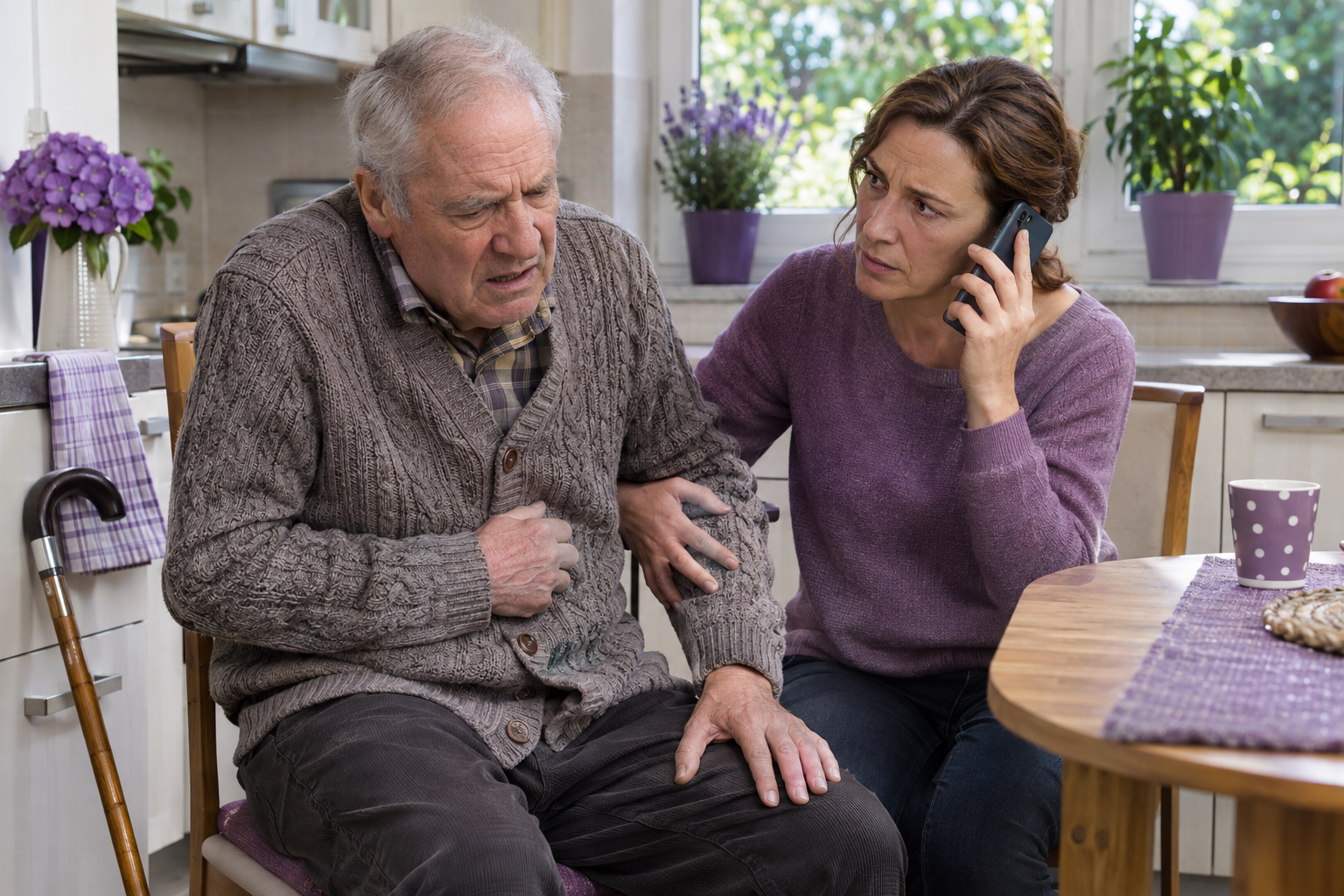
A compatible Bluetooth SOS control can use a connected home receiver within its installed coverage, so the person need not carry a phone around the home. If they use the app, an agreed I Am Alive check-in adds regular reassurance.
ONE FAMILY GROUP / SEVERAL AUTHORISED CAREGIVERS
Each relative uses their own app account. A parent authorised for both children can follow both shared positions and receive their supported alerts.
ONE FAMILY · TWO WAYS TO PAY
Need more than four assisted devices? Ask our team.
The Foundation stays at €0. The subscription is for connected-device Caregiver management, not the existing free app-to-app safety features.
Both plans include VAT. Subscriptions are not yet open. Hardware, first account activation, shipping, SIM, operator charges and Internet access are separate. Future professional response and AI services are not included.
Choose a verified device setup. These are example connection paths. Device-only use requires the exact wearable and receiver to be integrated with Help Me Now; this has not been confirmed for every catalogue model. Hardware sales are scheduled for 11 January 2027. Bluetooth does not provide independent outdoor GPS tracking. A watch does not automatically include every app function; readings and fall alerts depend on the model. Review sharing and profile settings with the person and, for children, the responsible adult.
Find the right device connection04 / OPTIONAL DEVICES
A button, a wristband or a watch can provide another way to request help. Choose the connection that fits the person.
Bluetooth devices
The button, card and W8 need a nearby compatible phone with the app, or a home receiver (BLE gateway).
Cellular watches
A cellular watch uses its own active SIM and mobile coverage. You do not need to keep a phone nearby. The exact model and connection are confirmed before supply.
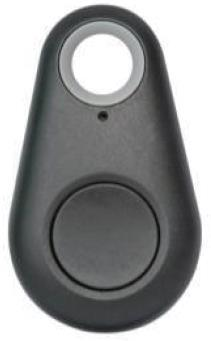
NEEDS A PHONE OR HOME RECEIVER
A physical SOS button. Sends the request through a nearby compatible phone or BLE gateway.
Add to selection
NEEDS A PHONE OR HOME RECEIVER
An SOS button in a card-format badge. A nearby compatible receiver forwards the signal.
Add to selection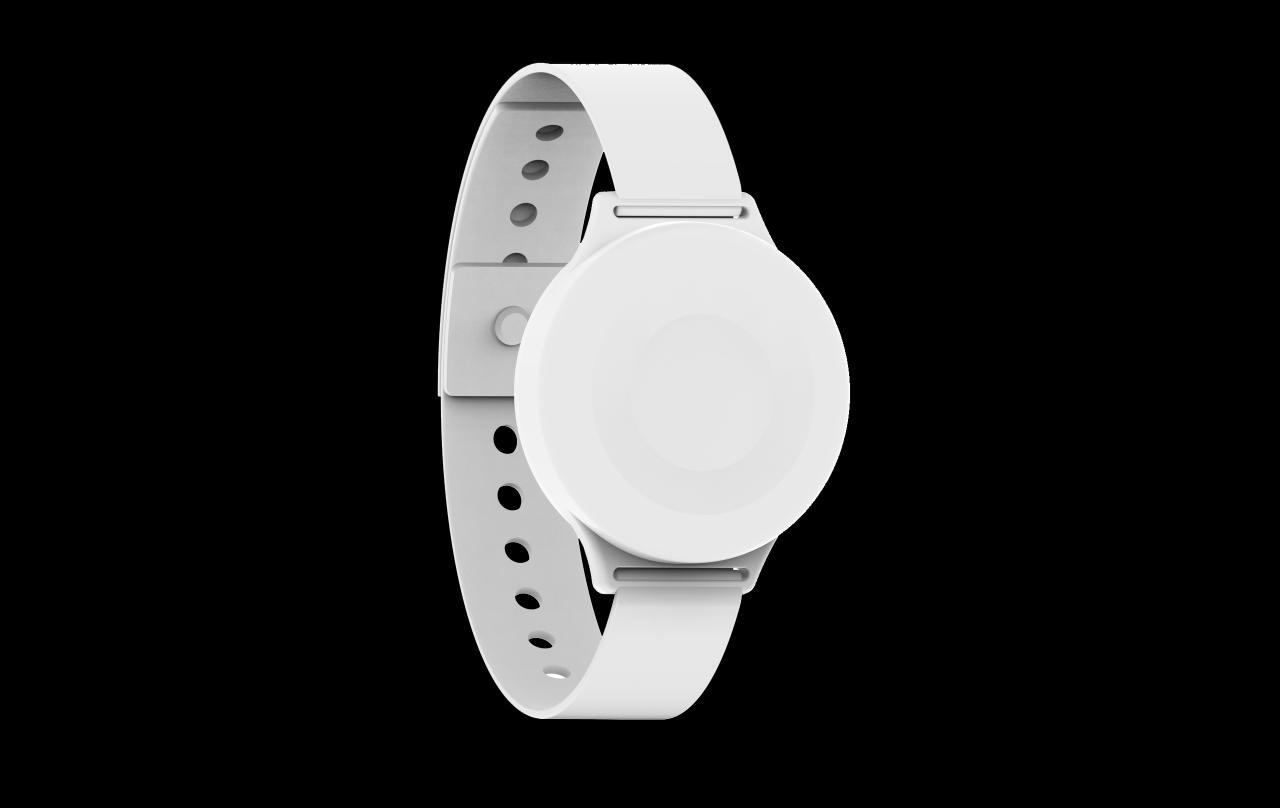
NEEDS A PHONE OR HOME RECEIVER
An SOS control on your wrist. Connects through the app on a nearby phone or a compatible BLE gateway.
Add to selection
OWN SIM
SOS and supported GPS location through its own cellular connection, without a nearby phone.
Add to selection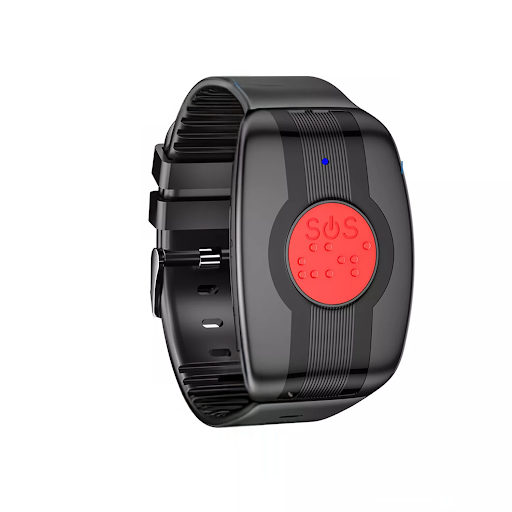
MODEL DETAILS TO CONFIRM
A physical SOS wearable. The final model, sensor functions and independent cellular route are being confirmed.
Add to selection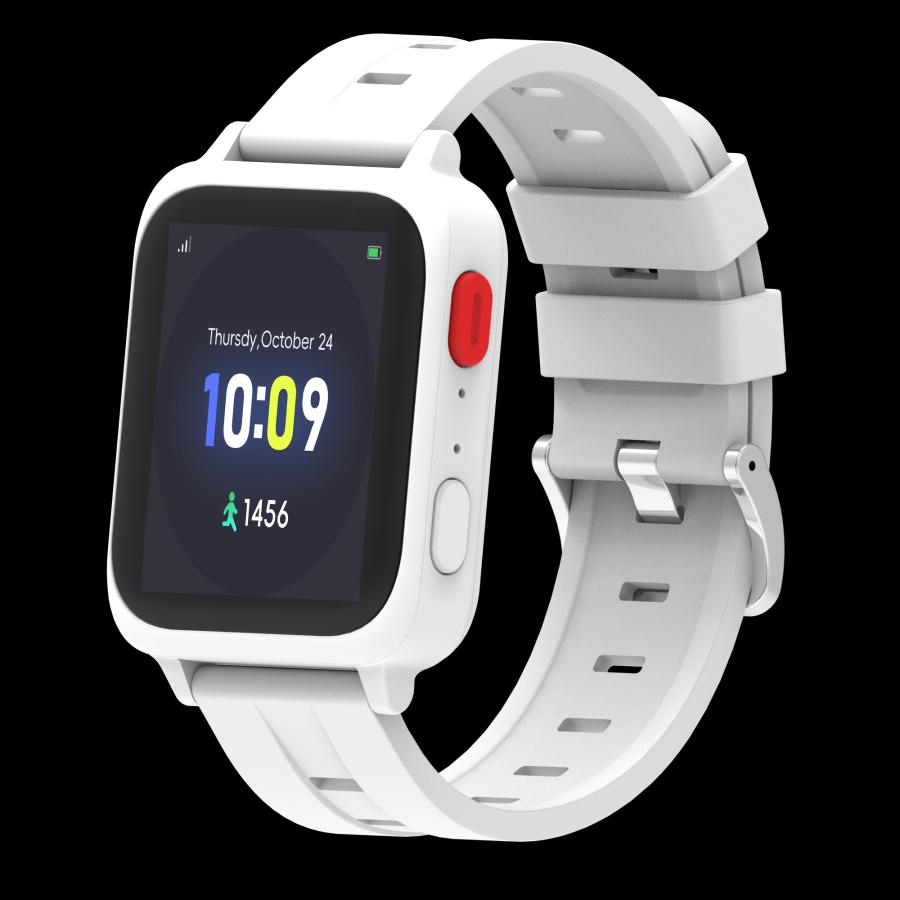
WORKS WITH ITS OWN SIM
SOS, model-specific wellness readings and a fall-alert configuration to assess for the selected model.
Add to selection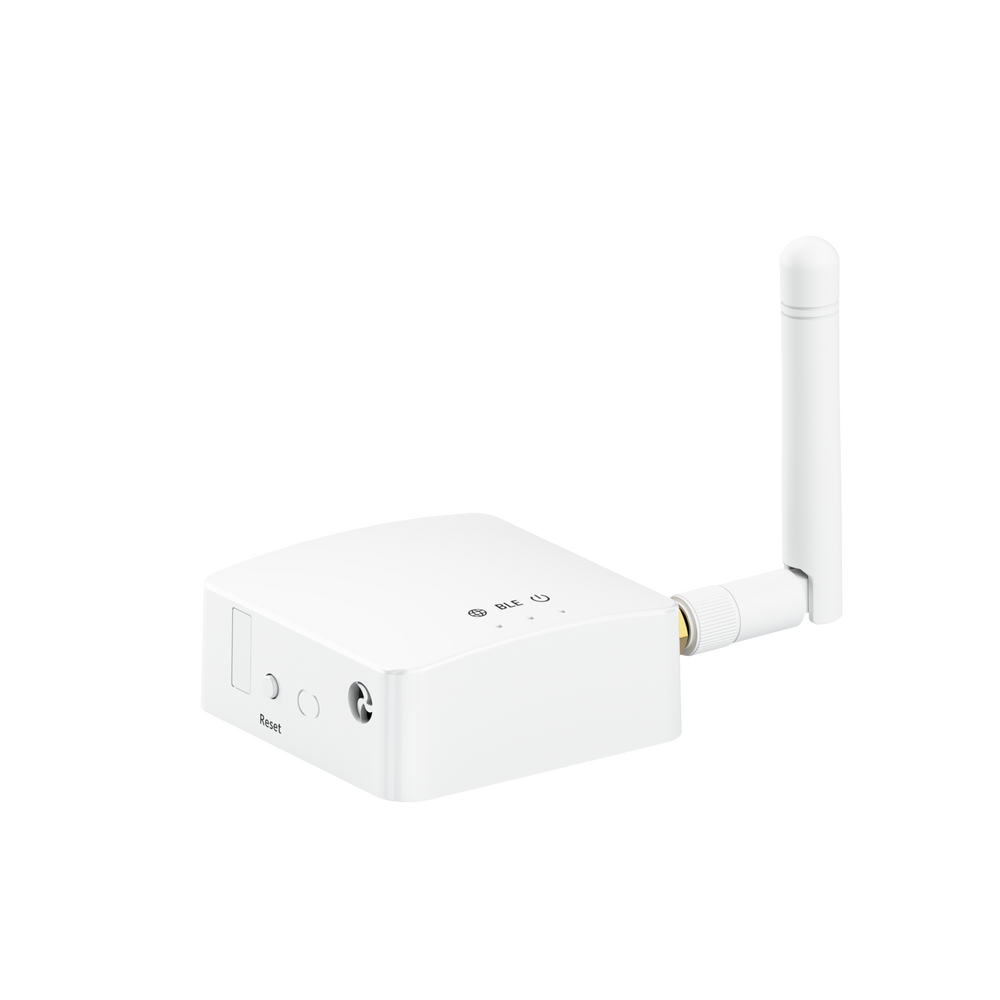
CONNECTS DEVICES AT HOME
Receives compatible BLE SOS devices and forwards their signals using your home Internet connection.
Add to selectionAll prices include VAT. Activation covers further compatible devices on the same account without another activation fee. Caregiver connected-device management has a separate family subscription. Cellular equipment uses your own compatible SIM and operator; carrier charges remain yours. Printed setup instructions are included. Photographs are catalogue references; the supplied model determines exact functions and integrations. Wellness readings do not constitute medical diagnosis. Explosion-protection certification for Professional Plus is not confirmed and requires manufacturer documentation.
Ask about a device or your setupHARDWARE CHECKOUT & RESERVATIONS
Choose your devices and quantities, see the full VAT-inclusive total and prepare for the hardware launch on 11 January 2027.
Your checkout preview · Prices include VAT
Equipment, one account activation and delivery: each item is shown separately. Standard shipping costs €5 per device, including devices sent in the same parcel. Sales and delivery will initially cover the European Union.
€10 activation. Once per account.
Connect further compatible devices without another activation charge. If already activated, provide your account email so we can verify this before payment.
Setup instructions in the package.
Printed configuration and connection instructions are included. The button and W8 need the app or a compatible gateway; the three independent watches use your own compatible SIM.
Prepare your selection and explore the full checkout below. Orders and payments are closed until the hardware launch. You can request a non-binding reservation for our first shipments.
FROM PERSONAL SAFETY TO ORGANISATIONAL PROTECTION

From the experience and Foundation of Help Me Now, we created SecureNet: a configurable safety system for businesses, public bodies and organisations protecting the people they serve.
Connect people, compatible devices and the teams responsible for responding. Shape the system around your sites, roles and procedures, with an operational Control Panel and organisational CRM.
Your agreed project defines the functions, integrations and commercial terms. The Help Me Now Foundation remains completely free of charge, forever, for everyone.

05 / THE NEXT CHAPTER · FUTURE DEVELOPMENTS
Our ambition is to connect personal requests with human assistance, community knowledge and, later, intelligent coordination.
An operator would receive your alert and available location on a control panel, then try to call you. If you could not be reached or needed urgent help, they would follow an agreed procedure that could include contacting public emergency services.
Participating volunteers, associations and support organisations could offer agreed forms of local assistance. Future care projects could explore visits, reminders and coordination with caregivers. A moderated local safety noticeboard could share useful information and community support.
A future AI Agent could help you describe what is happening, translate and keep Helpers and operators informed. With your permission, supported device signals could help explore earlier warnings. Smart glasses, AI earbuds and connected sensors could offer other ways to ask for help.
When regulations, authorisations and service agreements allow, a future voice-capable agent could call an emergency operator and explain the situation, relevant personal details and available location.
These services are future developments, not part of today’s offer. Partnerships, territories, operating hours and any future service prices will be defined before launch. The Foundation app remains completely free of charge.
06 / BEFORE YOU START
App, people, devices and what is available today.
App-to-app family support uses the Foundation’s free Helpers, sharing and alerts. Connected-device Caregiver management is a separate family subscription and needs verified wearable integration. A professional assistance centre and wider community services remain future developments.
No. The Foundation and the app features described above are completely free of charge, forever. Hardware and its first activation are optional.
Yes. Configure that Helper’s SMS and email details and options. They can receive those notifications without the app. In-app maps and chat require app access.
No. Current alarms notify your configured Helpers. The quick-call action is a separate telephone call that you confirm and conduct yourself.
Timer is a countdown for a specific period. I Am Alive is an agreed recurring wellbeing confirmation. A missed action can notify the configured Helpers to follow up.
A Bluetooth button, card or W8 needs a compatible nearby receiver. A confirmed cellular watch can use its own active SIM. Confirm the exact model and configuration before choosing.
No. The Caregiver Family plan covers one family group, with more than one authorised caregiver. Both parents can follow both children when associated and permitted. Viewing phones do not count as assisted devices. SIM and operator costs remain the customer’s responsibility.
The Foundation app is available now. Hardware sales are scheduled for 11 January 2027. The professional centre, wider Global Helpers network and AI services belong to future development.
07 / GET STARTED
Download the app, choose your Helpers and agree how you will support each other.
Read the app tutorial ↗Discover SecureNet ↗ for organisational safety and response coordination.
Ask about the app, a device or support for someone you care for.
worldvanguardgroup@gmail.com ↗This website is not an emergency service. In immediate danger, call the appropriate local emergency number when you can.